Update Product Status
How to Update Product Status
Step 1: Login to Admin Panel
Step 2: Access My Products
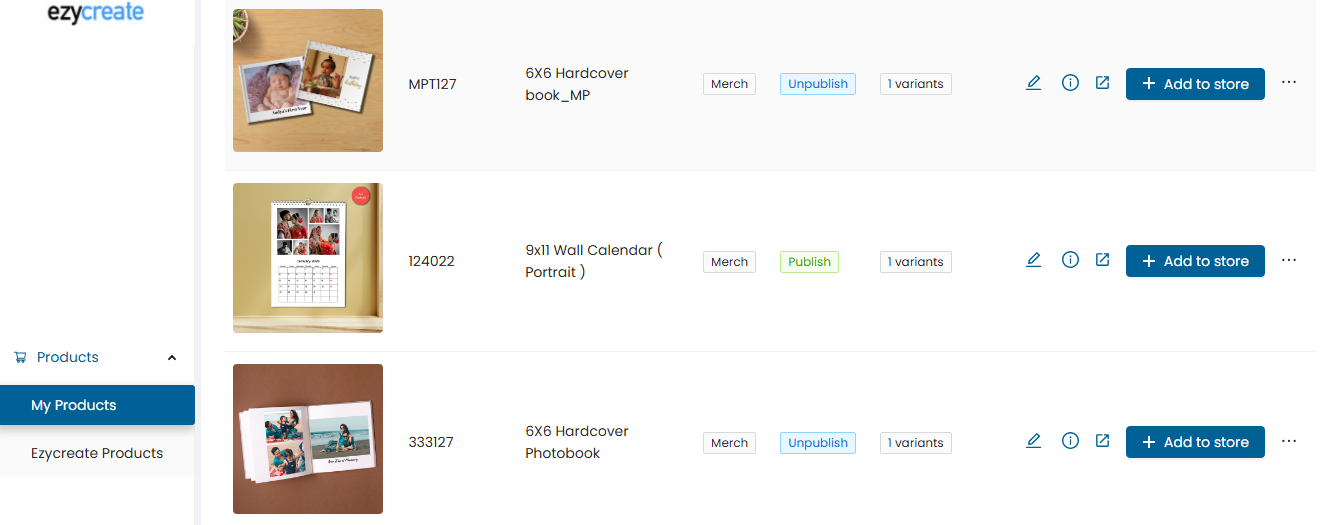
- Open the “My Products” tab
- It will display the list of added products under it
Note: My Products allows you to create products on the website with content and images, similar to a product page on a website.
Step 3: Publish the Product
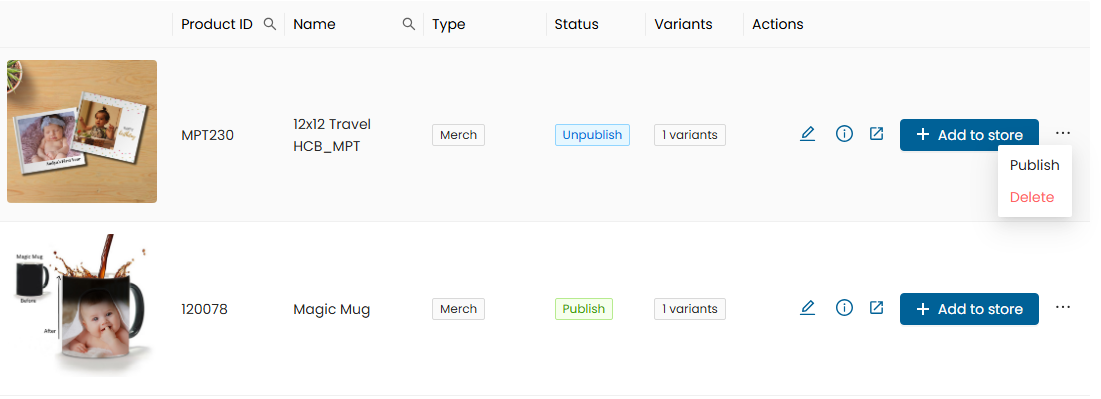
- Once the product is published, it will be added to the website
Step 4: Create the Product Page
- Open the website link
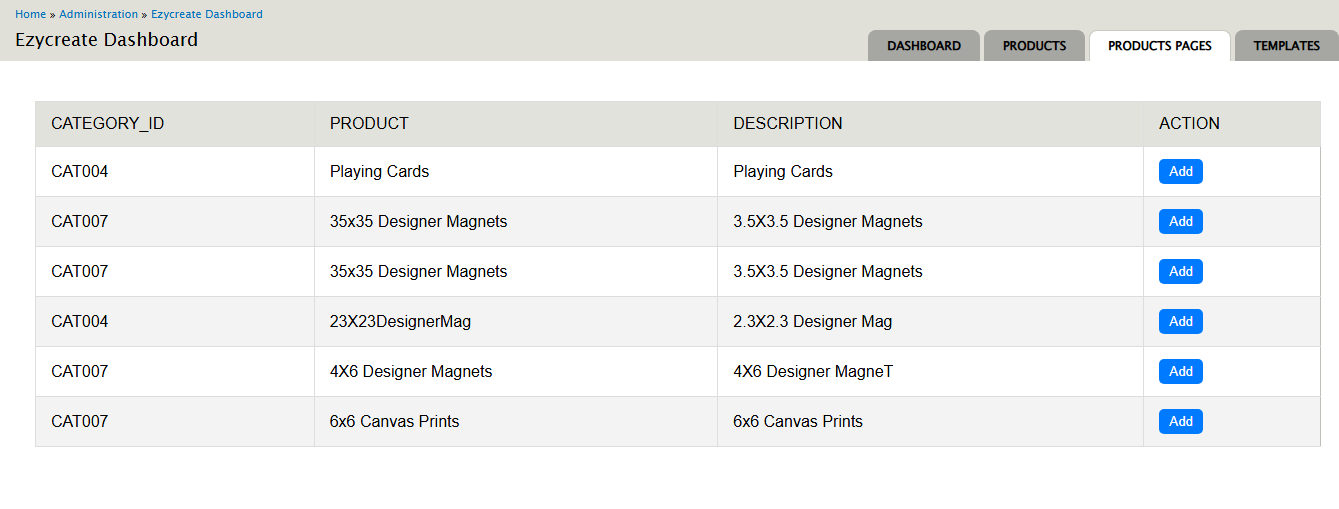
- Click on the “Add” button to create the product page
Step 5: View the Product Page
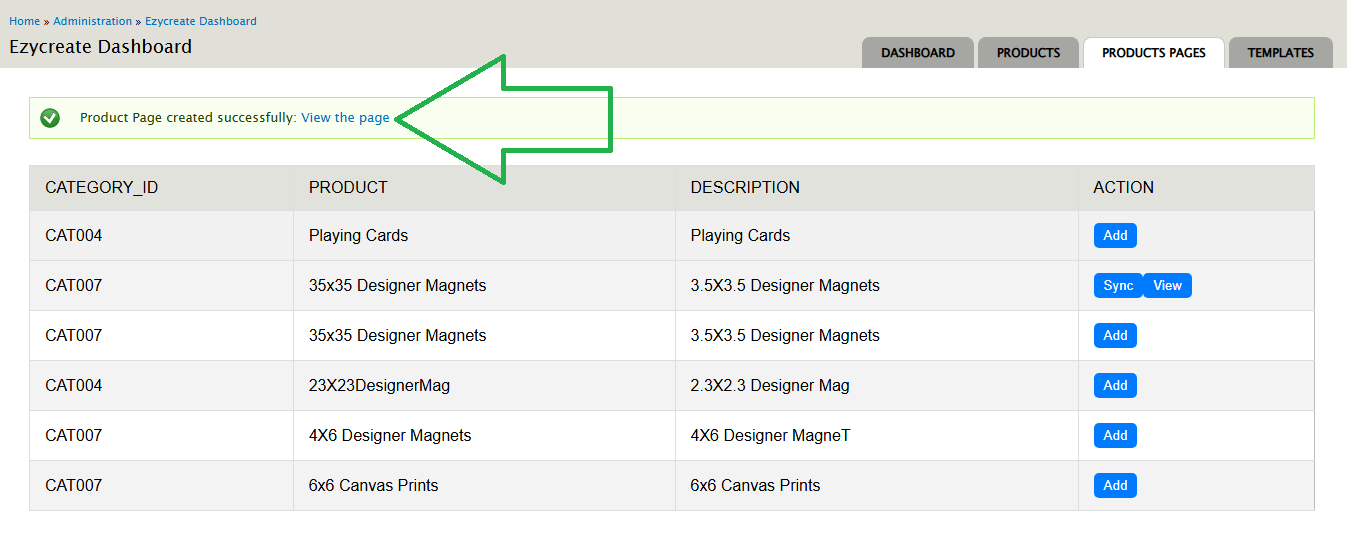
- Click on the “View the page” link
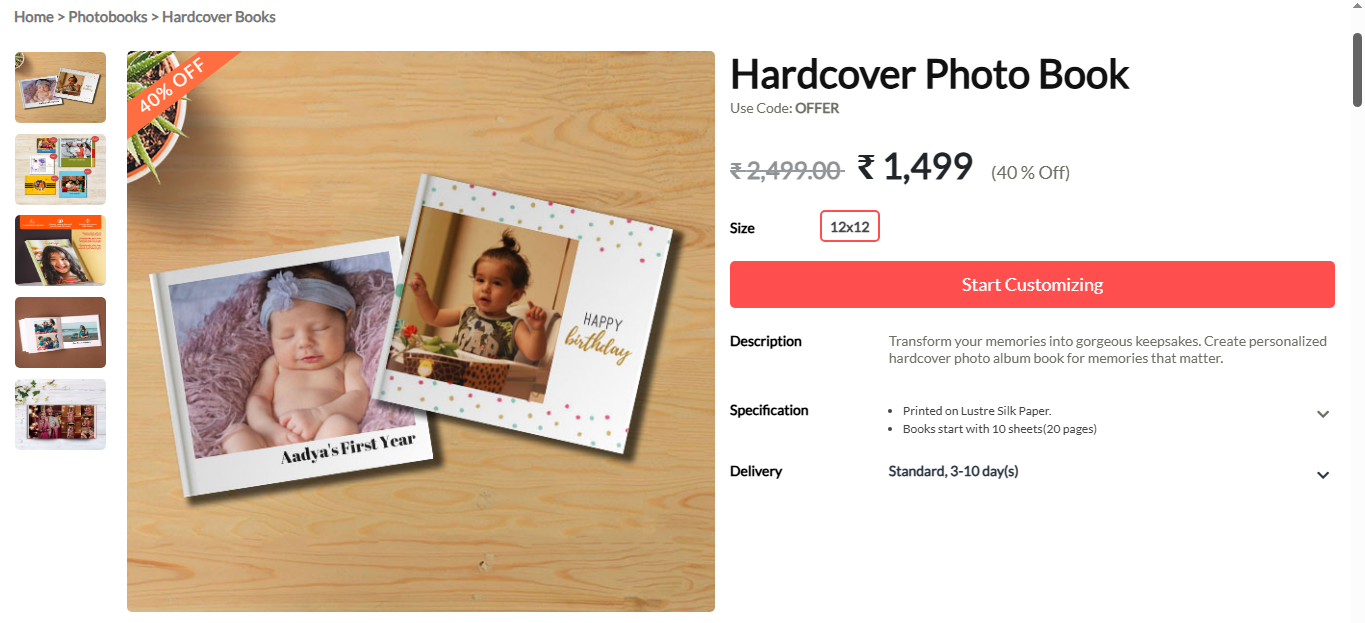
- The created page node link will open
Need Help?
If you're stuck, don’t worry — just email us at support@ezycreate.com